InstallStep 1
Install CSAT.AI
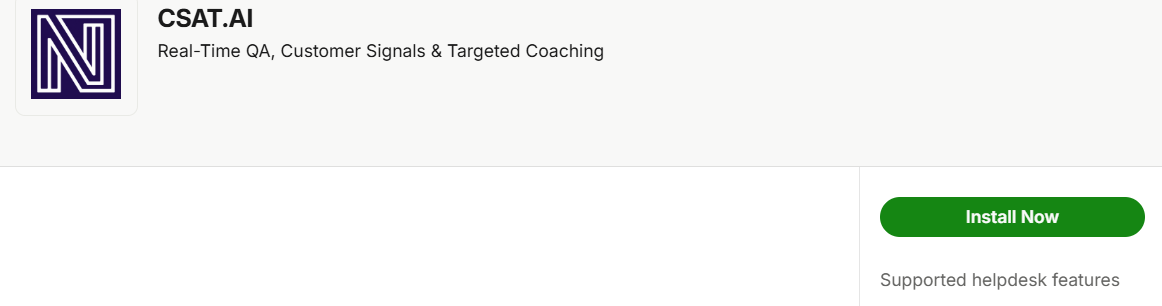
In the Intercom App Store, search for CSAT.AI, open the listing, and click Install — sign in with your workspace admin account if prompted.
Success
Install started.
Intercom Integration

In the Intercom App Store, search for CSAT.AI, open the listing, and click Install — sign in with your workspace admin account if prompted.
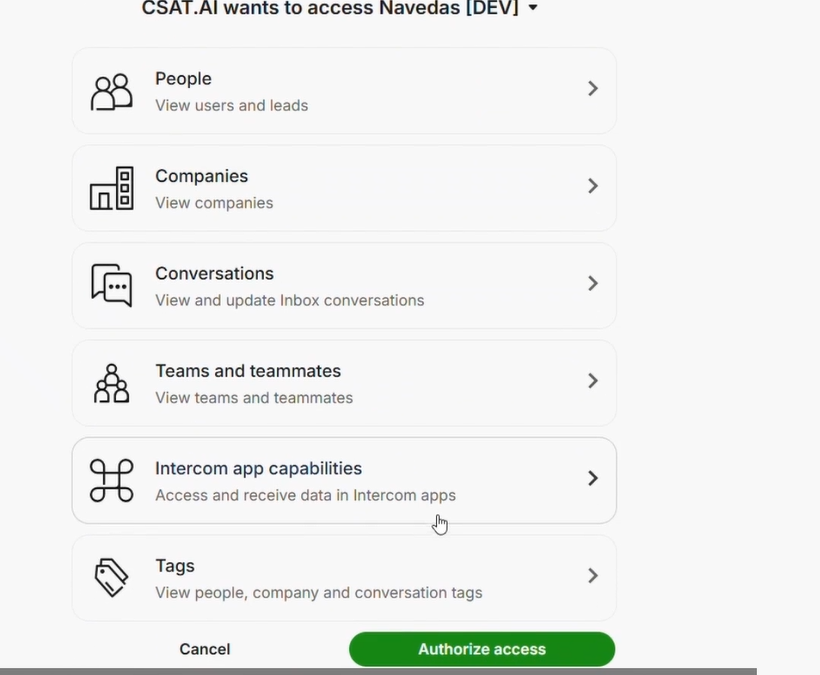
Review the permissions Intercom lists and approve the connection.
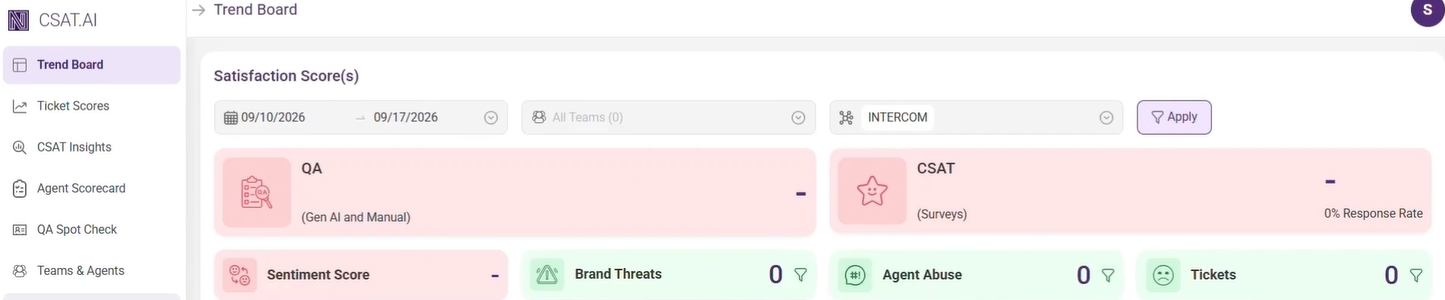
You'll land in your new CSAT.AI dashboard, already signed in, with a short countdown before returning you to Intercom's App Store to confirm the install succeeded.
Open any conversation in your Intercom Inbox and look for the CSAT.AI card in the sidebar.
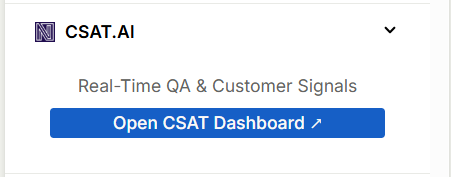
Once a conversation has been evaluated, the card displays the QA score and sentiment for that conversation. The CSAT score appears after the customer rates the satisfaction survey.
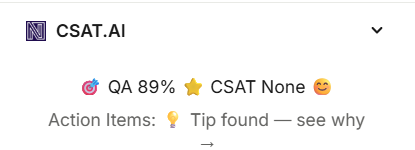
Click the CSAT.AI card and you'll be redirected to your CSAT.AI console, already signed in as yourself, where you can access your dashboard to see customer signals, trends, agent leaderboards, and detailed reports.
Key signals driving churn, escalations, or inefficiency. Trend changes vs last week.
Uninstalling revokes CSAT.AI's access to your workspace. Your evaluation history and dashboard data are kept, so reinstalling later picks up where you left off.
Last Updated: October 1, 2026
Common questions about the CSAT.AI integration for Intercom.
A CSAT.AI card in the conversation sidebar showing the QA score, CSAT score, and sentiment. When a customer responds to the satisfaction survey, CSAT.AI also adds their rating and comment to the conversation as a private note.
No. They are private notes, visible only to your team. Intercom requires an existing admin as the author of a note, so it shows under the account that connected CSAT.AI, but every note is clearly labeled as an automated CSAT.ai note so it's obvious where it came from.
When surveys are enabled for your account, CSAT.AI emails the customer a short satisfaction survey after their conversation is closed. The customer's rating and comment are written back to the conversation as a private note, and the rating appears as the CSAT score in the sidebar card. The CSAT score shows "None" until the customer responds.
No. Your Intercom admins are synced automatically when you install the app.
Reinstall or re-authorize CSAT.AI from the Intercom App Store. This refreshes the connection and restores the sidebar card.
No. A CSAT.AI account is created automatically for your company the first time you install the app from the Intercom App Store.
During install, Intercom asks you to approve CSAT.AI's access to read your contacts and companies, read and reply to conversations so it can post the survey result, read tags, and read your admin list so it can identify who's handling each conversation. CSAT.AI does not request access to billing.
CSAT.AI evaluates conversations once they're closed. New or still-open conversations won't have a score yet.
All of them. Email, chat, WhatsApp, phone, SMS, Facebook, Instagram, and any other channel your workspace uses are each tracked as their own channel automatically, so you can see quality and satisfaction trends broken down by channel in your dashboard.
Yes. You can configure your brand tone, key do/don't guidelines, and start from a QA rubric template so evaluations reflect your team's standards.
Yes, a 21-day trial with no credit card required. After the trial, you can continue on a paid plan or your account will be paused.
See current plans on our Pricing page. Pricing scales with team size, with no minimum number of agents.
From your Intercom workspace settings, open Installed Apps, select CSAT.AI, and choose Uninstall.
Contact our support team at support@csat.ai or call 1 (323) 380-8555.